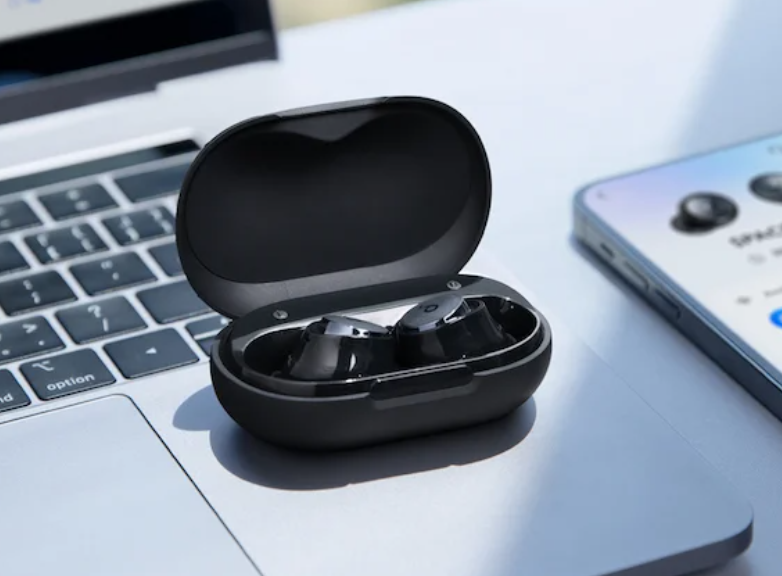
When sound comes from only one earbud, a minor pairing problem, dirty contact or depleted battery may be responsible. Start with connection checks before assuming the hardware has failed.
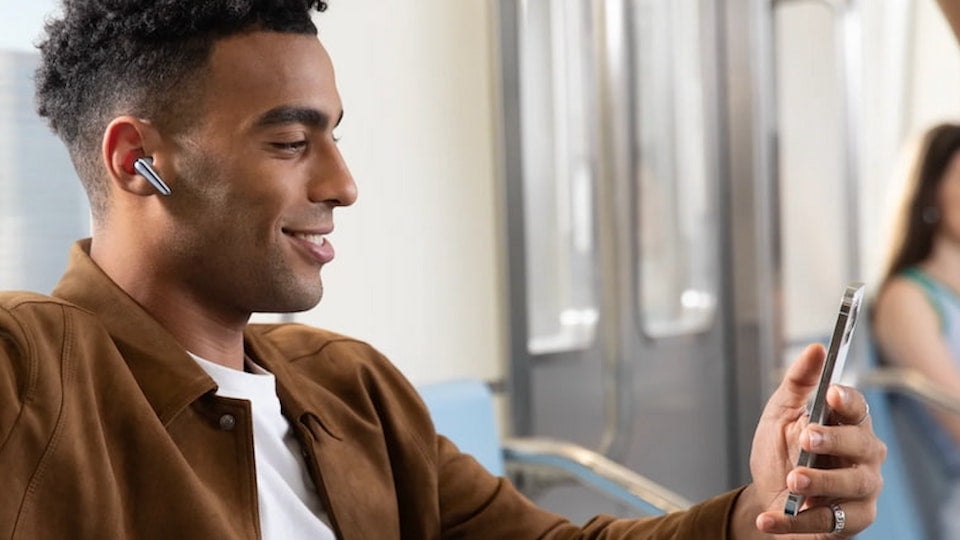
Start by reconnecting both earbuds
Rebuilding the Bluetooth connection is often the quickest solution when one side has paired incorrectly or lost synchronization.
- Seat both earbuds securely on the charging pins, then close the case for about 10 seconds.
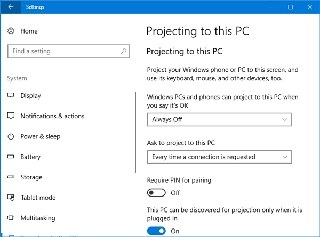
- Open Bluetooth settings on your phone or laptop, select the earbuds, and choose Forget This Device or Remove Device.
- Remove both earbuds together and pair them again through Bluetooth.
Why one earbud stops working
The underlying problem is generally either a software glitch or a physical fault. Distinguishing between them helps narrow down the fix.
Wireless earbud problems
Wireless earbuds communicate with both the playback device and each other. Two common interruptions are:
- Firmware desynchronization: TWS earbuds assign one bud as the primary receiver, which passes the signal to the secondary bud. A firmware fault can break this relay.
- Dirty or oxidized contacts: Sweat and lipid deposits, including earwax, can cause galvanic corrosion on microscopic gold pogo-pin contacts and interrupt the 5V charging current. One earbud may therefore discharge in the case while the other remains at 100%.
Wired earbud problems
For wired models, a physical problem is almost always responsible:
- Broken internal wires: Repeated bending can fracture the fine copper strands and interrupt audio.
- Lint in the headphone socket: Packed pocket debris can stop the plug from seating completely.
Troubleshoot wireless earbuds in this order
Clean the mesh and charging contacts
A blocked mesh can prevent sound from reaching your ear, while dirty contacts interfere with charging.
- Remove the silicone tip and gently brush the mesh with a clean, dry toothbrush.
- Do not use water. Dampen a microfiber swab with ≥90% isopropyl alcohol, then clean the gold pogo pins on the chassis and earbud stems firmly but carefully. The high-concentration alcohol evaporates instantly and dissolves lipid barriers, preventing short circuits.
Fully charge both earbuds
Place both earbuds in the case, connect it to a wall outlet and leave it charging for 2 hours. Many models shut down one side when its battery becomes nearly empty, so a full charge may restore operation.
Rebuild the Bluetooth connection
Delete the earbuds from your device’s Bluetooth menu, switch Bluetooth off and back on, then remove both earbuds from the case simultaneously. This lets them communicate with each other before connecting to the phone.
Try a factory reset
If the problem continues, reset the earbuds’ memory. The usual method is to hold the touch buttons for 15 seconds until the lights flash.
Check for firmware updates
Open the official app for your true wireless earbuds and check for updates. Manufacturers distribute wireless software patches to correct bugs and improve battery life.
When replacement makes more sense
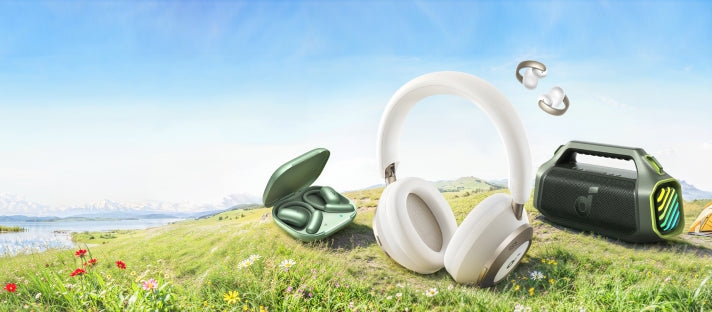
If cleaning the mesh, resetting the earbuds and checking phone settings leave one side completely silent, the internal speaker or battery has failed. Replacement options highlighted in the source include the following models.
soundcore Liberty Buds
The soundcore Liberty Buds are intended for extended daily wear.
- A semi-in-ear design with soft securing fins keeps them in place during demanding workouts without a stuffy feeling.
- Adaptive ANC blocks wind and traffic, while an integrated AI translator supports over 100 languages.
- They offer clear calls and 30 hours of total battery life.

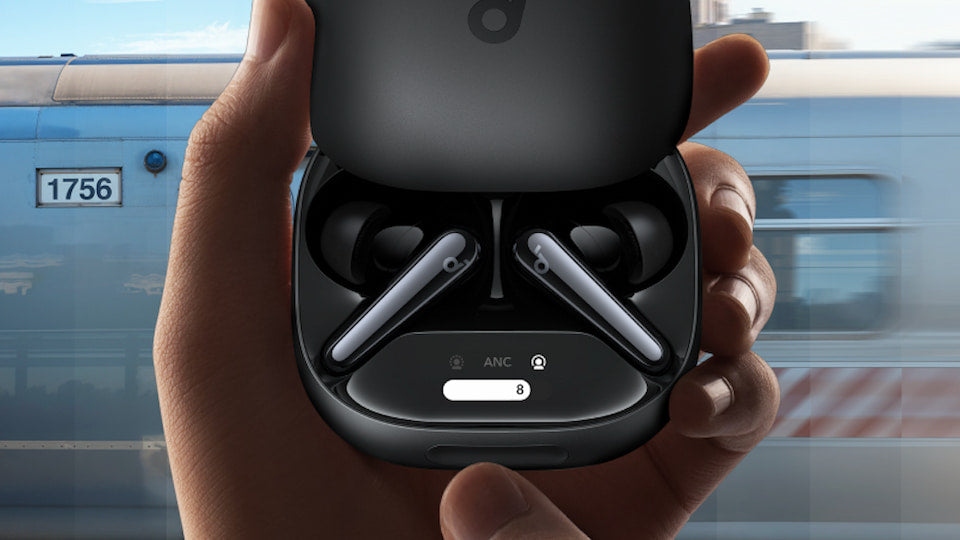
soundcore Liberty 4 Pro
The soundcore Liberty 4 Pro focuses on detailed sound, adjustable noise cancellation and quick charging.
- A 7-sensor adaptive ANC array recalibrates every 0.3 seconds and provides 3x noise reduction.
- 10.5mm drivers deliver powerful, detailed audio, and the charging case’s touch screen allows settings adjustments.
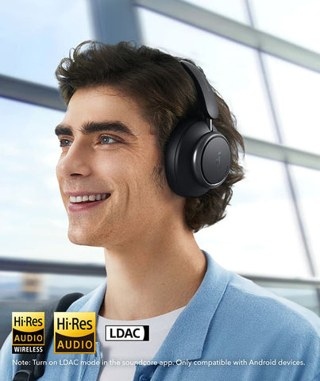
- Its high-efficiency LDAC architecture and 5-minute fast-charge relay are described as bypassing rapid degradation while providing 4 hours of lossless playback.
soundcore Sleep A30
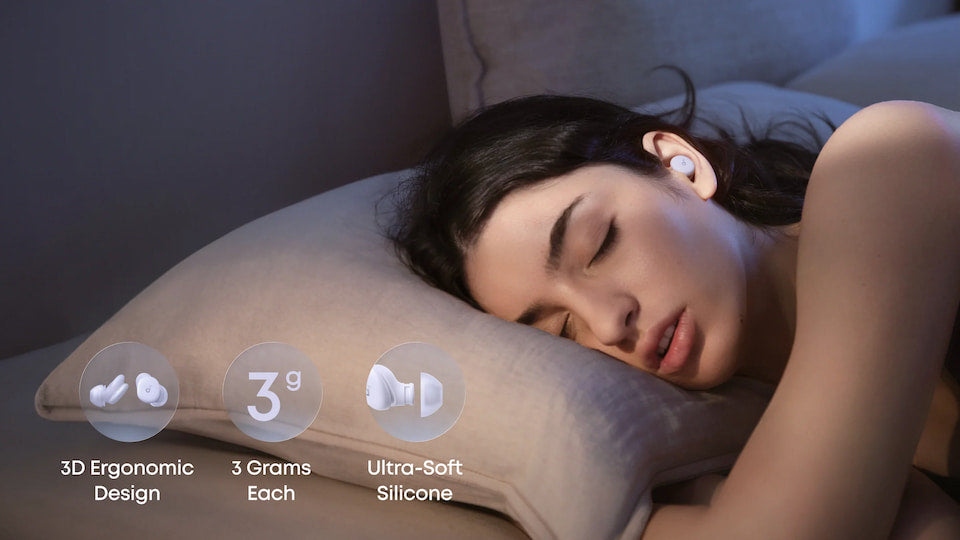
Designed specifically for rest, the soundcore Sleep A30 targets disturbances such as snoring and noisy neighbors.
- Each ultra-thin earbud weighs 3 grams and is designed for comfort during side sleeping.
- A triple-noise-reduction system actively masks unwanted sound.
- AI Brainwave Audio and sleep stories support relaxation, with 10 hours of battery life.
Frequently asked questions
Can just one earbud be repaired?
Repair is technically possible but generally impractical. Leading manufacturers use ultrasonic welding and strong industrial adhesives to achieve IPX water-resistance ratings. A DIY teardown destroys the acoustic seal and can compromise the lithium-ion cell, creating a fire risk. Outside warranty coverage, a single-earbud hardware failure requires replacement of the full unit.
How long do earbuds usually last?
High-quality wireless earbuds typically last 2 to 3 years as their small batteries gradually lose capacity. Keep them clean and avoid leaving them in a hot car or outdoors in cold conditions to help extend their lifespan.
How can I reset my earbuds?
The case-button method described here differs from the touch-button procedure above: put both earbuds in the charging case with its lid open, then hold the back button for 10 to 15 seconds until the lights flash. This clears their memory and can resolve audio glitches.