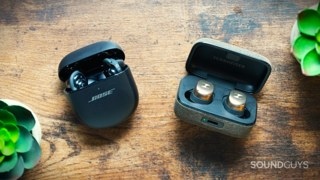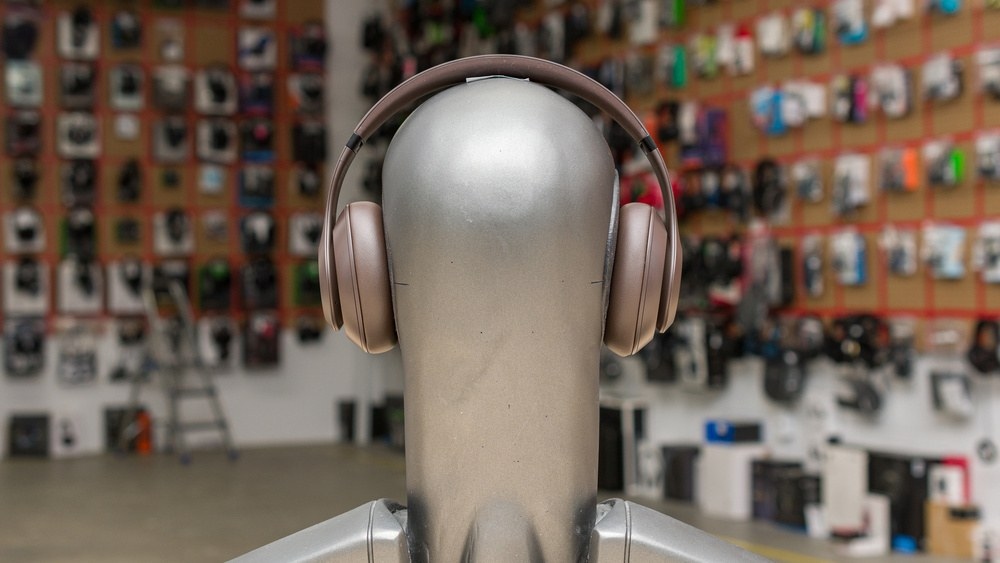
The choice between wired and wireless headphones largely depends on how you listen. Wired models suit recording and other low-latency tasks, particularly when you want to avoid batteries. Wireless models make it easier to commute, exercise, or move around without a cable. Some headphones support both, although their behavior can change with the connection and power mode.
Understanding the Connection Options
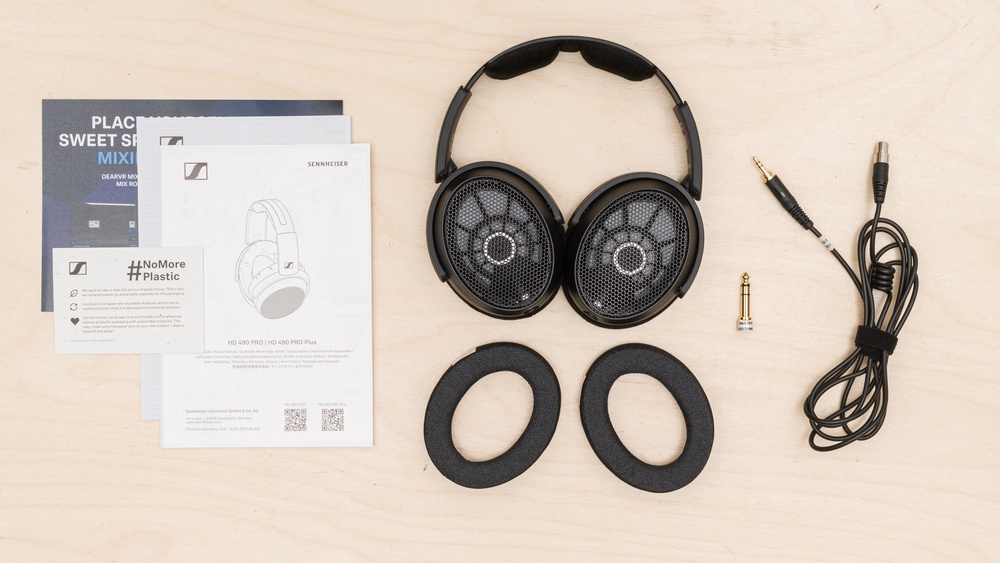
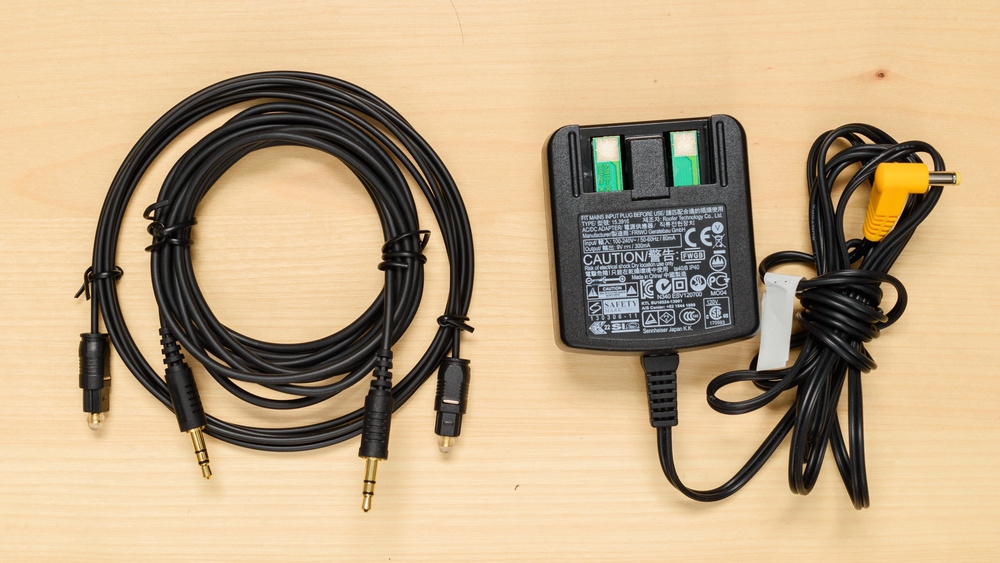
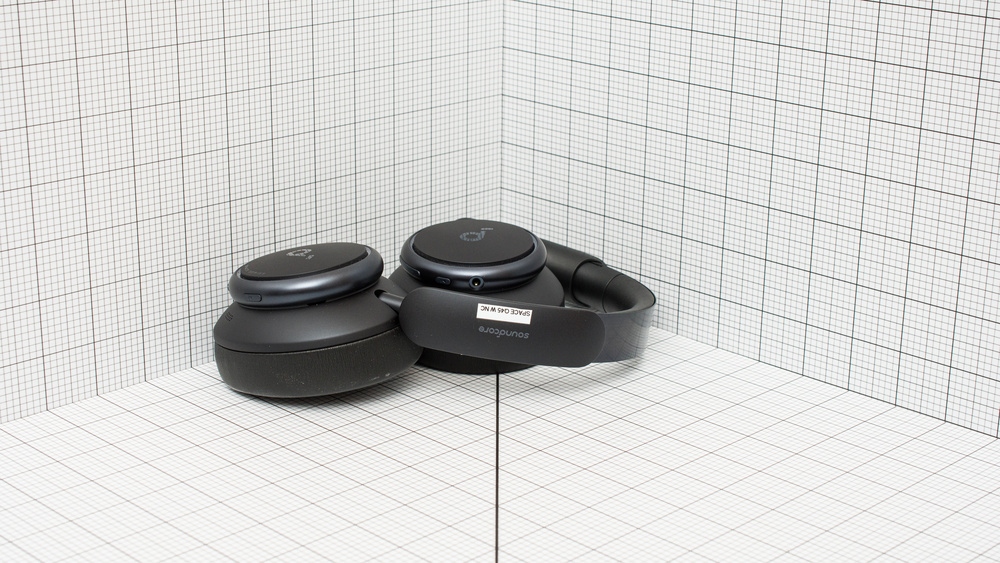
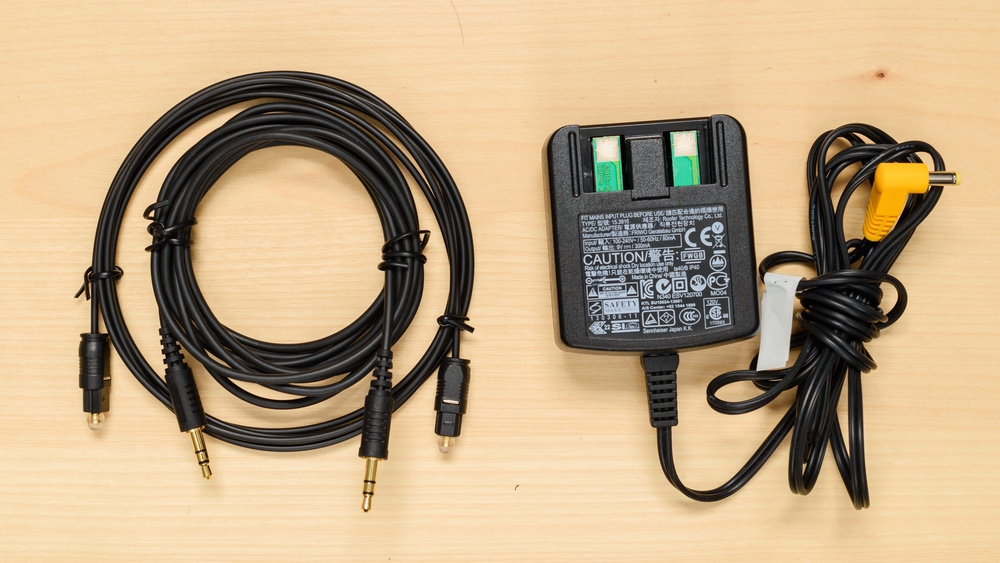
Wired headphones commonly connect through 1/8" or 1/4" audio jacks, with USB-C models offering another option. Wired connections are common in professional, studio, and audiophile settings where consistent sound and low latency matter. A passive connection draws the necessary power from an analog AUX port; an active connection requires the headphones to be switched on.
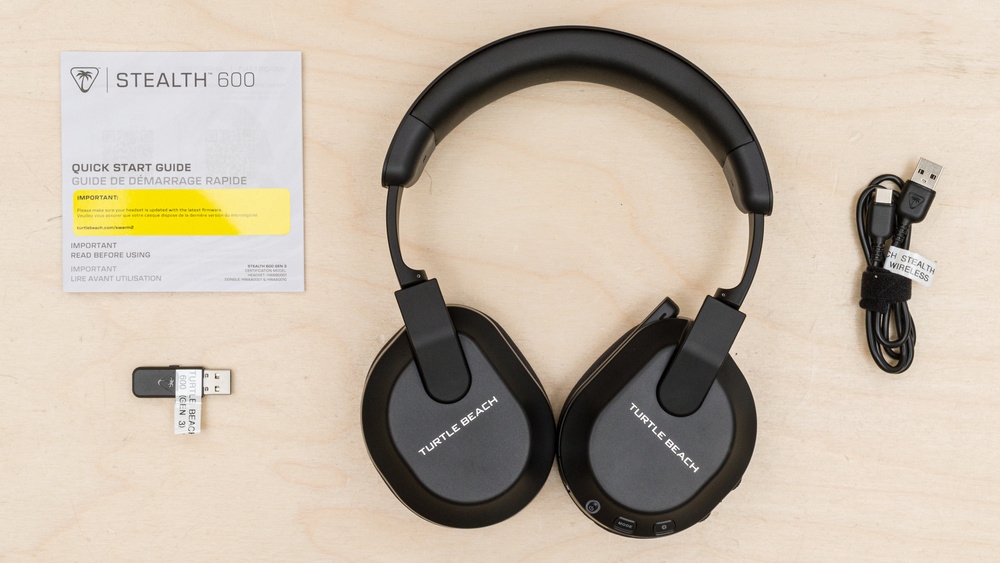
Wireless connections are always active. Bluetooth dominates consumer headphones because of its portability and broad compatibility. RF (radio frequency) models are popular for low-latency home theater listening. Many gaming headsets instead use 2.4GHz USB dongles, which deliver lower latency and greater stability than Bluetooth for competitive gaming or video conferencing, but sacrifice some of Bluetooth's flexibility. Many wireless headphones also support a cable, whether passively, actively, or both.
 |  |  |  |  |
Mobility, Compatibility, and Everyday Use
Without a cable to snag on clothing or nearby objects, wireless headphones are convenient for workouts, commuting, and moving around at home. Wired headphones keep you within cable length of the source—even when that source is a phone in your pocket. By comparison, the source publication measured a range of 334.65 ft (102.00 m) on some wireless headphones.
Bluetooth works with most smartphones, tablets, and laptops and supports hands-free use. Models with Bluetooth multipoint pairing can remain connected to multiple devices, making it easier to switch from laptop audio to a phone call. USB dongles can provide a faster, steadier connection for gaming and office use, but typically cannot plug into phones. RF headphones likewise have less compatibility with consumer electronics, trading flexibility for a focus on low latency.
Wired headphones offer a different convenience: plug them in and listen, without pairing or troubleshooting wireless dropouts. Objects and electrical interference can disrupt Bluetooth despite its potential range. Most wired headphones are passive, taking their power from the connected device rather than a battery. Wireless battery life also tends to decline with age, and batteries usually aren't replaceable, though exceptions include the Fairphone Fairbuds XL.
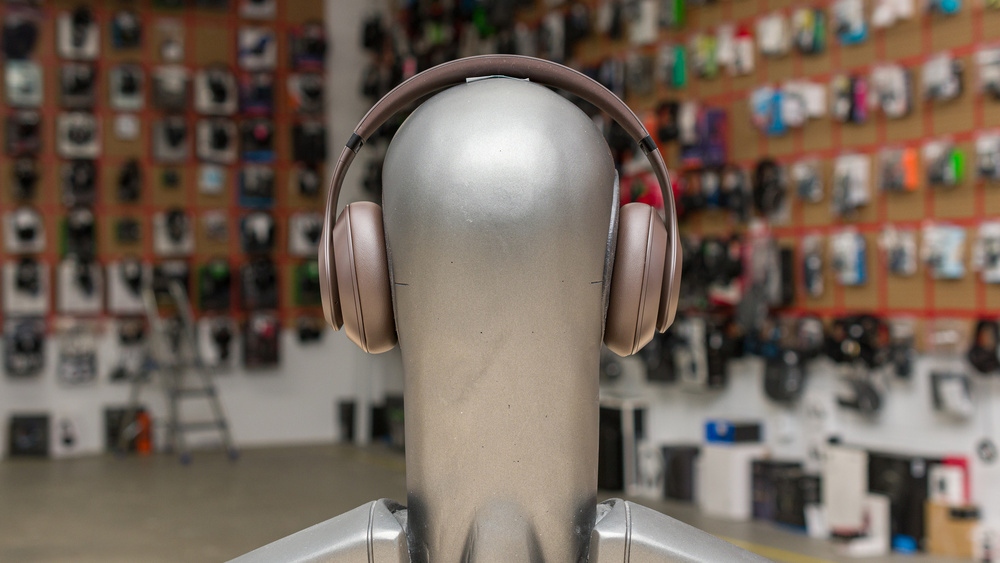
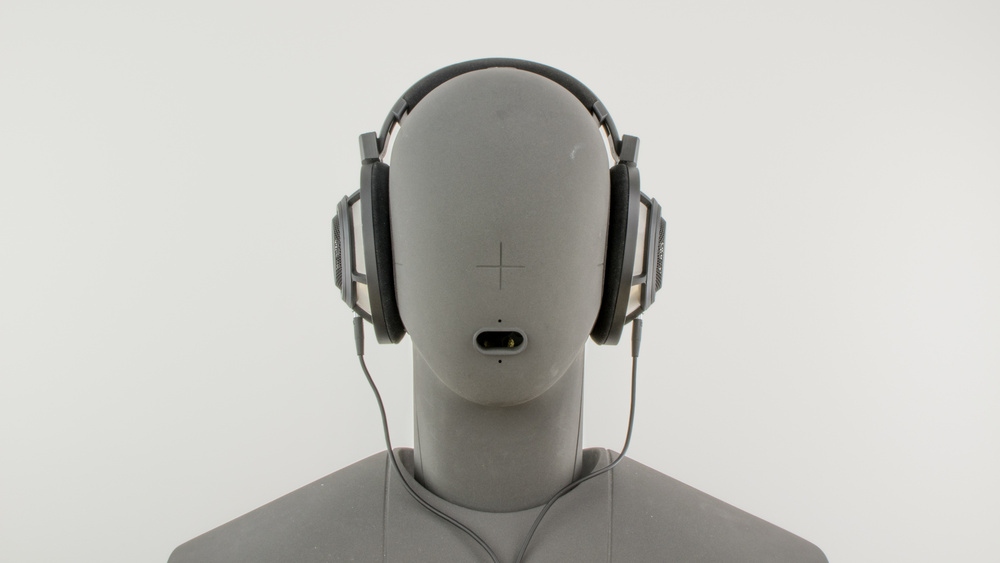
Wireless playback always requires battery power, and some wireless headphones must remain switched on even when connected by cable. For desk listening, a headphone jack can therefore be simpler than connection menus. Certain high-impedance models, such as the Sennheiser HD 600, may benefit from a dedicated headphone amp, but most consumer headphones work well from a standard AUX port.
 |  |
How Sound Quality Compares
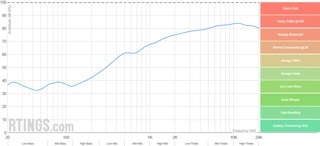
Most listeners will hear little difference in sound quality between wired and wireless headphones. Direct comparisons are complicated, however, because headphones supporting both connections may sound different in active and passive modes. Active playback uses digital signal processing (DSP), including equalization, to shape the sound. Passive playback bypasses that processing, changing the frequency response rather than necessarily changing sound quality.
The Sony ULT WEAR illustrate this distinction. Designed primarily for wireless listening, they also accept a cable, but their wired sound changes depending on whether power is on. Passive playback bypasses the internal processing, while active wired and wireless playback sound nearly identical because both use the same DSP and amplification. Active noise cancelling (ANC) also requires the headphones to be switched on.
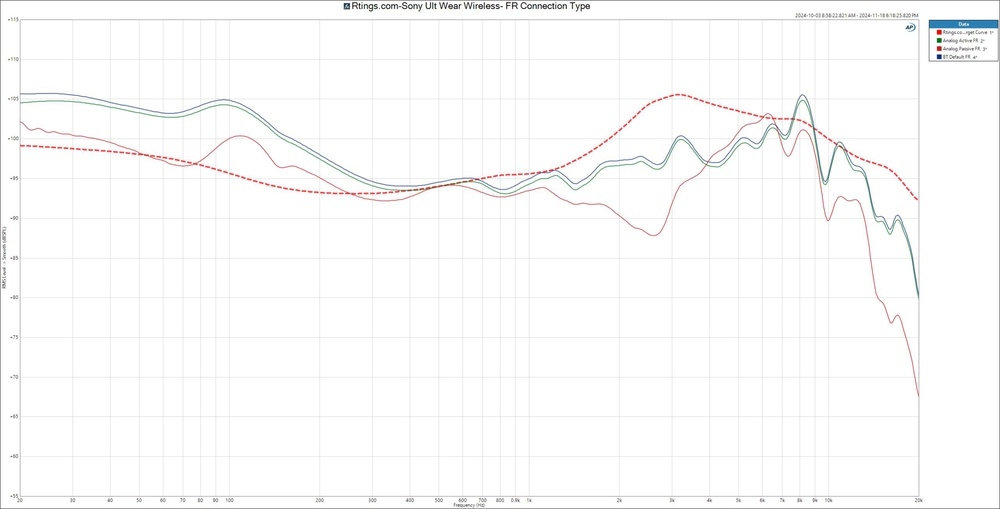 | 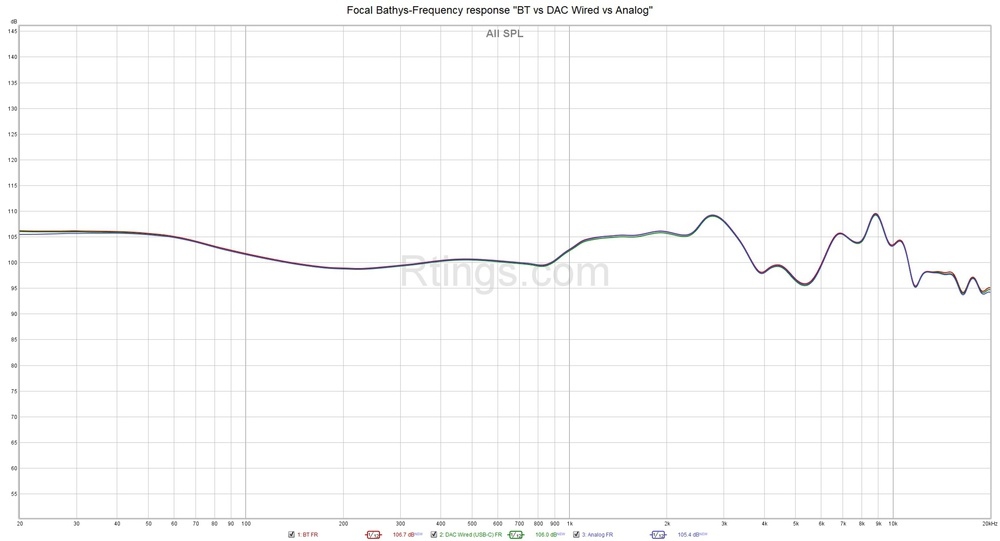 |
These graphs demonstrate that well-designed headphones can have little measurable difference between wired and wireless output. Results still vary by model: the source publication found small differences in many headphones it tested and links to additional measurements in its reviews.
Modern Bluetooth can deliver high-quality audio that is virtually indistinguishable from wired playback when paired with a suitable codec. Trained listeners and audiophiles may nevertheless notice subtle differences. High-resolution codecs such as LDAC, aptX HD, aptX Adaptive, and LHDC (Low Latency and High-Definition Audio Codec) generally transmit more data with less compression. Both the headphones and source device must support the codec, and the audio itself must be high quality. Extra bandwidth offers no benefit when carrying an MP3 file with heavy compression.
Consistency is the clearest sound-related advantage of a physical connection: it avoids wireless signal drops, pairing problems, and codec mismatches. Bluetooth bitrate can vary with the codec, device settings, and interference, subtly affecting quality and stability. Wired playback avoids those fluctuations and connection interruptions, which is particularly useful in professional or distraction-free listening environments.
Common Bluetooth Audio Codecs
- SBC: The default sub-band coding used by all Bluetooth headphones.
- aptX: A proprietary codec that encodes audio more efficiently than SBC, with specialized variants including aptX Low Latency and aptX HD.
- aptX Adaptive (HQ and LL): Dynamically changes bitrate to balance sound quality and connection stability, with low-latency support.
- aptX Low Latency: Reduces audio delay for uses such as video playback and gaming.
- AAC: An SBC alternative offering slightly better sound quality, though typically reserved for non-wireless applications.
- LDAC: Sony's high-resolution Bluetooth codec, which supports higher bitrates to improve audio quality.
- LHDC: A less widespread high-resolution option with higher bitrate and sampling-rate support, mainly available on select Android devices.
- LC3: The default codec for Bluetooth LE Audio, intended to improve on SBC's sound quality at lower bitrates while reducing power use.
Audio Delay and Synchronization
Latency is the time between a sound being produced and reaching your ears through the headphones. Passive wired headphones introduce virtually none: there is no compression, DSP, or wireless transmission involved. Active wired playback can still add a small delay through internal processing for EQ or ANC, as with the Bose QuietComfort Ultra Headphones Wireless.
Traditional passive analog headphones are consequently well suited to recording, gaming, video editing, and fast-paced viewing, where sound and visuals need to stay synchronized. The source publication's Bluetooth Connectivity article provides further discussion of latency and its testing methods.
Wireless audio takes time to encode, transmit, and decode. That delay usually doesn't matter for audio-only listening, but it can cause lip-sync problems in videos or interfere with gaming. Some people notice as little as 30 ms, and studio musicians often need even less to stay in time. For consuming content, 30 to 40 ms is generally acceptable. Standard SBC regularly exceeds 200 ms, while aptX Low Latency and aptX Adaptive aim to reduce the delay.
RF headphones typically transmit faster than Bluetooth. Wireless headsets using proprietary 2.4GHz dongles can also deliver much lower lag. These options are common where minimal lip-sync delay matters, including home theaters, but a wired connection remains the most dependable choice when latency-free playback is critical.
Latency Differences Between Codecs
Lower-complexity codecs such as SBC and AAC often exceed 200 ms, increasing the likelihood of lip-sync issues. aptX can modestly improve on SBC, while aptX Low Latency sometimes reaches 30–40 ms, making it better suited to gaming. aptX Adaptive changes dynamically and occupies a middle ground. LDAC and LHDC favor audio quality but often exceed 250 ms. LC3 promises improved latency and efficiency over SBC, although real-world evidence remains limited.
No headphones reviewed by the source publication support every Bluetooth codec, though some handle several. The table below compares measured codec latency for the Sonos Ace and Sony WH-1000XM5 Wireless.
| Bluetooth Codec | Sonos Ace latency (ms) | Sony WH-1000XM5 Wireless latency (ms) |
|---|---|---|
| SBC | 272 | 241 |
| aptX | 265 | |
| aptX Adaptive (High Quality) | 353 | |
| aptX Adaptive (Low Latency) | 75 | |
| LDAC | 233 |
Which Type Fits Your Needs?
Bluetooth headphones are a strong match for commuting, exercise, and casual everyday listening, combining freedom of movement with features such as multipoint pairing and hands-free control. For gaming or home theater use, RF and dongle-based models offer lower latency and more stable performance.
Passive wired headphones prioritize simplicity, signal consistency, and virtually zero latency without pairing or battery management. Their lack of a battery also usually makes them better for the environment. Most contain no internal processing or amplification, a simplicity that helps explain their popularity in studios and critical listening. Active models use onboard electronics for features such as noise cancellation or spatial processing, potentially adding a little latency even through a cable.
The best choice depends on where and how you listen, and on the content you use. Owning both types may make sense if your needs vary.
Recent Updates
18-06-2025: The article was revised to reflect the source publication's latest test benches, incorporate newer examples, and improve its practical guidance.