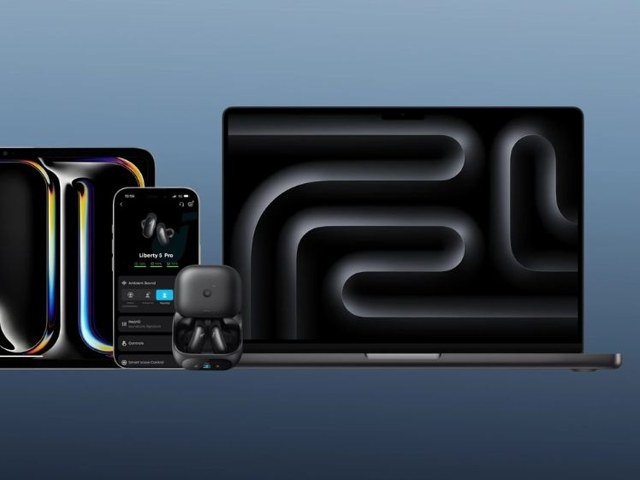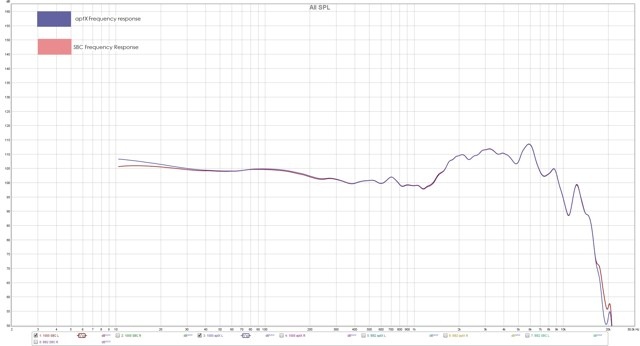
Android generally offers more Bluetooth codec choices than iPhone, including SBC, AAC, aptX variants, and LDAC on compatible hardware. The highest bitrate is not automatically the best everyday option: music detail must be weighed against latency, battery life, and connection reliability.
How Bluetooth Codecs Affect Listening
A codec defines how your phone compresses audio for Bluetooth transmission and how your earbuds decode it for playback. Its effects can extend beyond sound to video synchronization, dropouts, power consumption, and which earbud features can run together.
Availability depends on the complete setup: phone, earbuds, Android version, firmware, music app, source audio, and Bluetooth settings. Owning LDAC earbuds does not mean LDAC is active every time you listen. Without a shared codec, Android falls back to another supported option, such as AAC or SBC.
A more capable codec may preserve additional detail from a high-quality track, but it cannot correct poor tuning, an inadequate ear-tip seal, or a low-quality source. Likewise, a high-bitrate connection that works well at a desk may stutter in a busy station.
Comparing SBC, AAC, aptX, and LDAC
| Codec | Suitable uses | Advantages | Limitations |
|---|---|---|---|
| SBC | Basic Bluetooth playback | Nearly universal compatibility | Usually less appealing for premium listening |
| AAC | Daily streaming and mixed-device use | Common and efficient; familiar to iPhone users | Performance varies between Android phones |
| aptX | Compatible Android phones and earbuds | Potential quality or latency improvements, depending on version | Both devices must support the same aptX version |
| LDAC | High-quality Android music listening | Up to 990 kbps on compatible devices | Higher power use and greater sensitivity to connection conditions |
SBC: The Compatibility Baseline
SBC is the fallback available on almost every Bluetooth headset. It can be sufficient for podcasts, audiobooks, brief calls, and background music. If premium earbuds are using SBC, however, check Bluetooth settings or the earbud app for a higher-quality alternative.
AAC: An Everyday Option
AAC is widely used by music services and for iPhone Bluetooth playback. On Android, it can also suit streaming, video, and switching between devices, but implementation differs by phone brand. That variability makes aptX or LDAC support worth considering rather than assuming AAC performs identically everywhere.
aptX: Version Matching Matters
aptX, aptX HD, aptX Adaptive, and aptX Lossless are distinct versions, not interchangeable features. Support for one does not unlock all the others.
With matching support on the phone and earbuds, aptX can balance audio quality with responsive video playback. Some versions emphasize lower latency or adaptive operation; the benefit depends on the version both devices support.
LDAC: More Capacity for Music
On compatible equipment, LDAC can transmit up to 990 kbps, providing more capacity for detail from high-quality recordings. It is often the stronger choice for high-bitrate music, while a suitable aptX version may be preferable for lower latency or consistent playback.
LDAC is most useful with a compatible Android phone, LDAC earbuds, a good source, and a stable connection—particularly at home or at a desk. A crowded airport or a phone buried in a bag may expose the drawbacks of a high-bitrate setting: dropouts and faster battery drain.
For commuting, travel, long workdays, or two-device use, a standard or adaptive mode may be more practical. Some earbuds restrict multipoint while LDAC is enabled. Treat it as an optional listening tool rather than an always-on requirement. Its greater data transmission and processing demands usually consume more power.
soundcore Models to Compare for Android
Codec support is only part of the choice. Also consider tuning, ANC, call quality, battery life, fit, app controls, and whether multipoint meets your needs.
| Model | Primary appeal | Android-related features |
|---|---|---|
| soundcore Liberty 5 | All-around Android choice | LDAC, Hi-Res Audio, Dolby Audio, multipoint, Google Fast Pair |
| soundcore Liberty 4 Pro | High-end audio and strong ANC | LDAC, ACAA acoustic architecture, Adaptive ANC 3.0 |
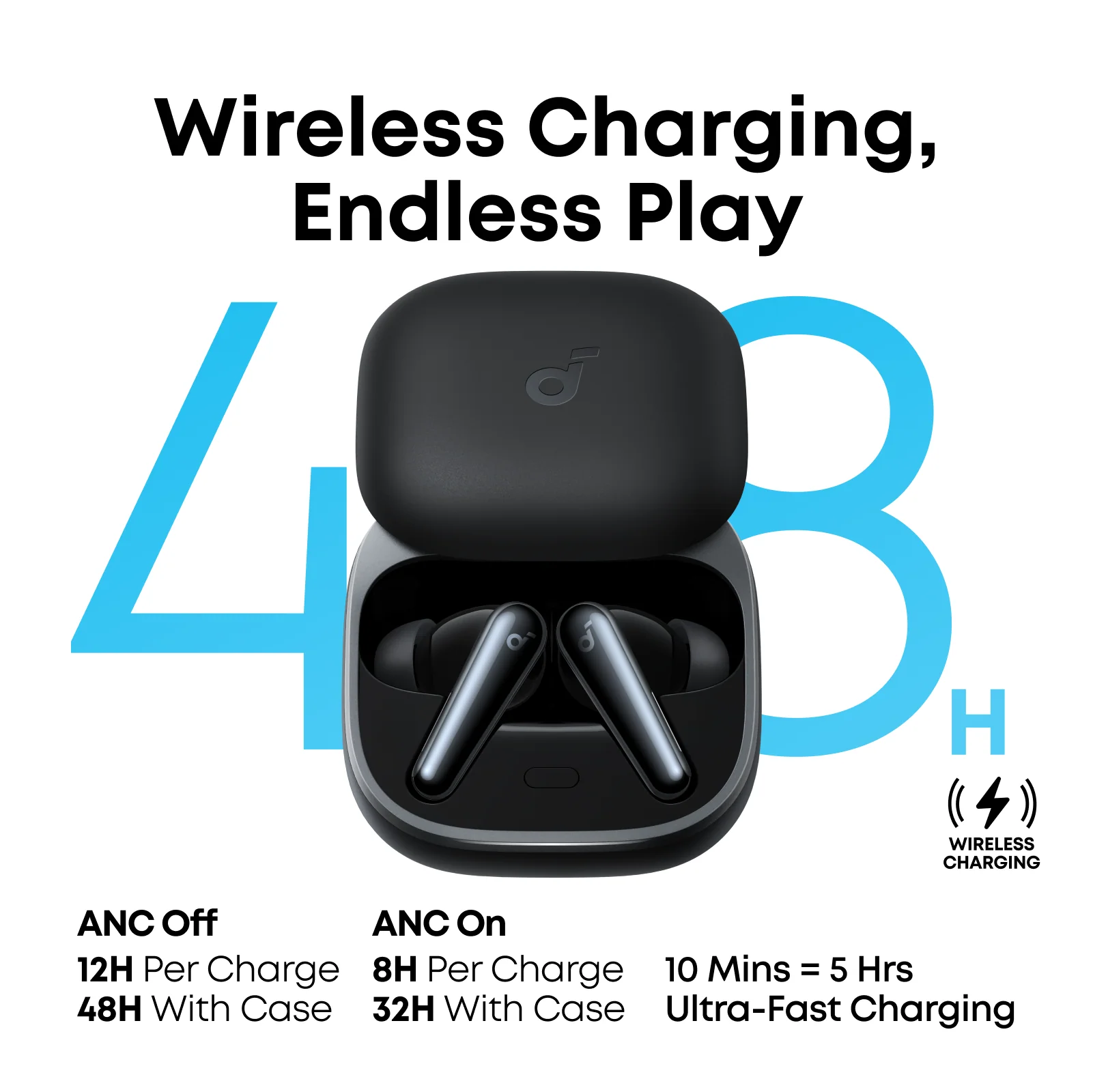
| soundcore Liberty 4 NC | Value-oriented LDAC and ANC | LDAC, Hi-Res Wireless, Adaptive ANC 2.0, 10H/50H standard battery |
| soundcore Space A40 | Lightweight wear and long standard battery life | SBC, AAC, LDAC; LDAC may restrict multipoint |
| soundcore Liberty 5 Pro | Calls, ANC, and demanding workdays | LDAC, strong call pickup, adaptive noise control |
| soundcore Liberty 5 Pro Max | Premium Android calling and AI workflows | LDAC, smart-case recording, translation, meeting tools |
Liberty 5 is the most straightforward recommendation for most Android users, combining high-quality audio, easy pairing, flexible device switching, and dependable daily operation. Liberty 4 Pro also suits focused listening; Liberty 4 NC emphasizes commuting and affordable ANC, while Space A40 merits comparison for low weight and battery endurance.
Checking or Enabling LDAC on Android
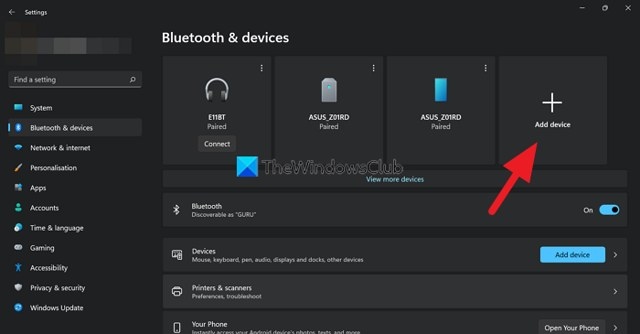
The settings path varies by manufacturer, but most Android phones expose codec options through Bluetooth settings:
- Pair the earbuds with your Android phone.
- Open Settings.
- Select Connected devices or Bluetooth.
- Tap the gear icon beside the earbuds.
- Find HD audio, LDAC, Audio codec, or a comparable option.
- Enable LDAC if available.
Some phones also provide controls in Developer Options:
- Open Settings.
- Select About phone.
- Tap Build number several times to unlock Developer Options.
- Open System > Developer options.
- Locate Bluetooth Audio Codec.
For soundcore earbuds, check the soundcore app as well. Certain models require a firmware update or a preferred audio quality setting before LDAC becomes available.
LDAC Compatibility and Missing Settings
LDAC is supported by many modern Android phones, but not every model. Both the phone and earbuds must support it, and manual activation may be necessary. iPhone does not support LDAC for Bluetooth audio.
If LDAC is absent, the phone, earbuds, firmware, or current audio mode may not support it. First inspect Bluetooth settings, then check the earbud app for firmware updates or a preferred audio quality setting. On some earbuds, enabling multipoint hides or disables LDAC.