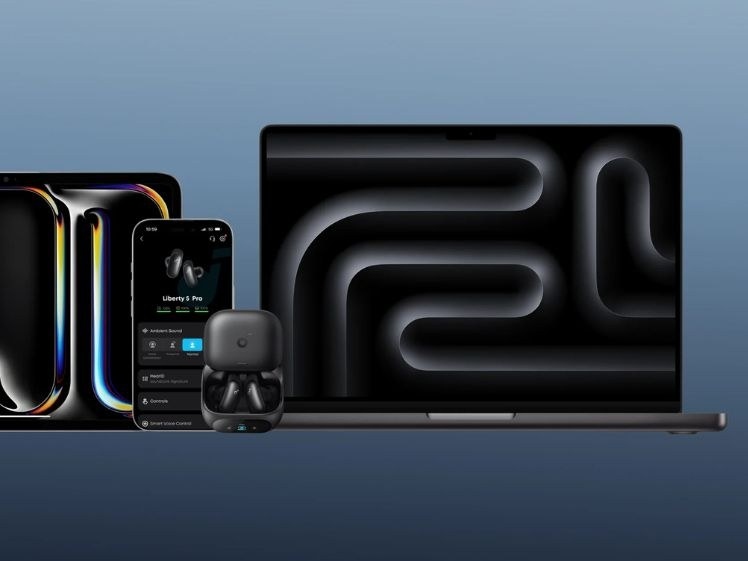
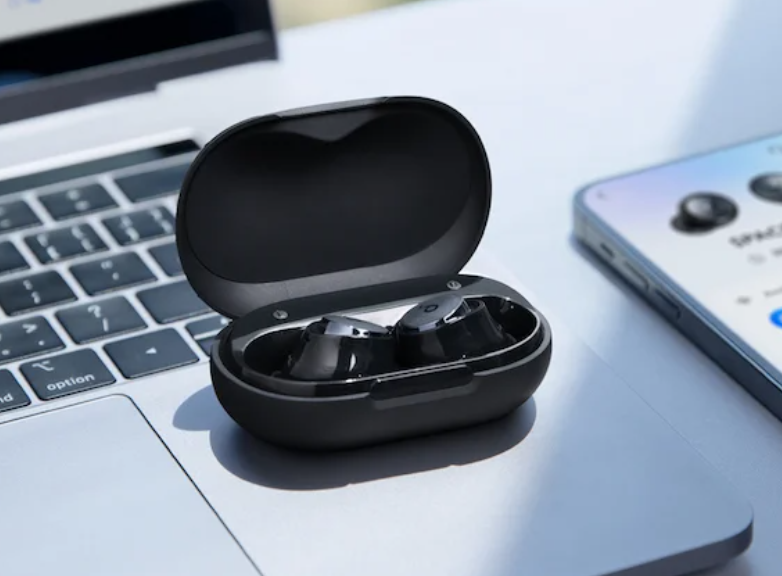
Multipoint Bluetooth earbuds reduce the need to disconnect and reconnect as you move between a phone, laptop, and tablet. They can keep two devices connected, letting you leave laptop audio to answer a phone call without manually changing the connection.
Multipoint support alone does not guarantee a good experience. Sound, reliable switching, battery endurance, call clarity, and fit also deserve attention.
Understanding Multipoint Connections
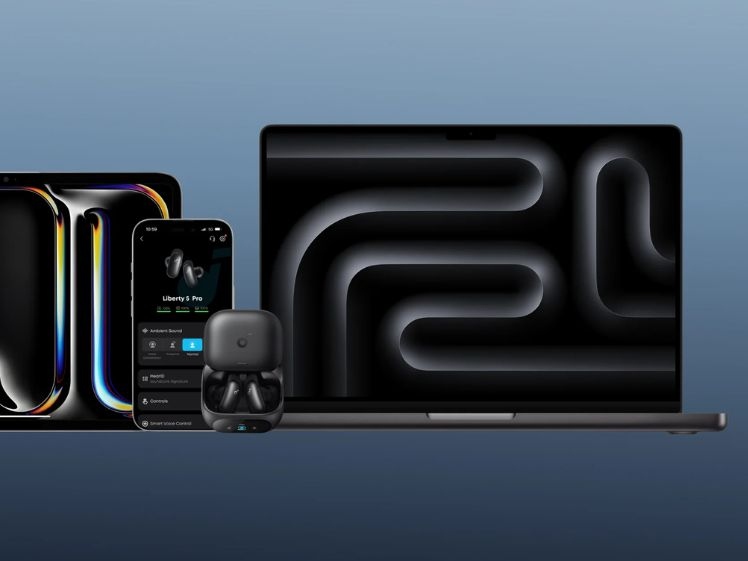
Most multipoint earbuds maintain connections with two devices; some support three. Unlike pairing again each time you change sources, these background connections let you move between music, video, and calls. Typically, only one device supplies audio at a time.
Although Apple's AirPods are often associated with seamless switching, traditional Bluetooth multipoint is available on many other earbuds. Dual-device models can connect to a phone and a laptop, tablet, or second phone, while three-device models offer additional flexibility for work and personal equipment.
What to Compare Before Buying
Connection reliability and switching speed
Consider newer Bluetooth versions alongside well-optimised firmware: both hardware and software affect stability. A typical range of around 10 metres in open environments can help prevent interruptions as you move around connected devices. Check device compatibility as well as switching performance.
Codecs and sound
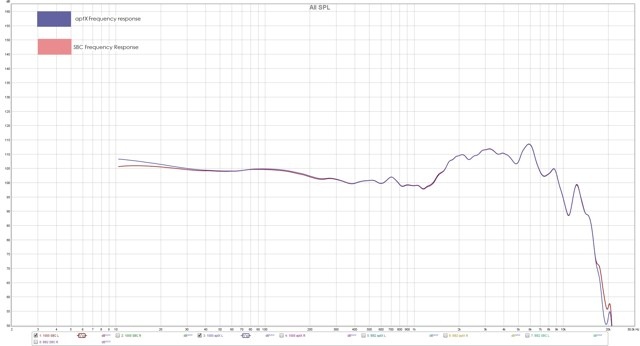
High-quality Bluetooth audio codecs can provide clearer detail and lower latency. Combined with well-designed drivers, they help deliver balanced, consistent sound for music, video, and calls across connected sources.
Noise cancellation
Look for active noise cancellation that responds to changing surroundings and reduces background noise without compromising audio quality. Adjustable ANC levels and Transparency mode help balance isolation with environmental awareness.
Battery and charging
Multipoint can increase power use, so consider battery endurance, charging-case efficiency, intelligent power management, and fast charging for longer days across multiple devices.
Fit and comfort
Lightweight earbuds can be easier to wear for long sessions. Ear hooks or wing tips improve security during exercise, while a choice of ear tip sizes helps with comfort, stability, and isolation.
Microphones and calls
Frequent callers should consider multiple microphones and effective background noise reduction. Reliable switching should preserve stable audio and clear calls indoors, outdoors, and in noisy surroundings.
Setting Up Multipoint
Consult the companion app or user manual, since procedures differ by model. The following sequence works for many earbuds:
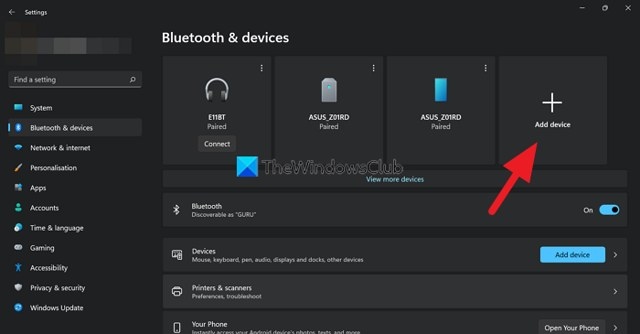
- Pair the earbuds with your first device.
- Disable Bluetooth on that device to disconnect temporarily.
- Return the earbuds to their charging case, then remove them to enter pairing mode.
- Pair them with the second device.
- Enable Bluetooth on the first device again so it reconnects.
- Put the earbuds in the case and take them out once more. If multipoint is supported, they should connect to both devices automatically.
Some models require multipoint to be enabled manually in the companion app before multiple devices can connect.
Moving Between Audio Sources
Switching behaviour varies by model. Many earbuds automatically move to a connected phone when you make or receive a call. To change sources manually, pause playback on one device and start it on the other—for example, stop laptop music before playing a tablet video.
Both devices must be properly paired, with multipoint enabled in the earbuds app or device settings where required.
Troubleshooting Multipoint Problems
The earbuds will not connect to both devices
Possible causes include disabled multipoint, conflicting earlier pairings, or a connected device that does not support multipoint.
- Delete the earbuds from both devices’ Bluetooth lists.
- Reset the earbuds and pair them again.
- Enable multipoint in the companion app if necessary.
Audio cuts out or connections drop
Excessive distance, interference from other wireless signals, and low battery levels can disrupt performance.
- Move nearer to the connected devices.
- Reduce interference from nearby wireless equipment.
- Charge the earbuds fully before reconnecting.
Switching is delayed or fails
Outdated firmware, a device without multipoint support, or too many connected devices may prevent smooth switching.
- Install earbud firmware updates through the companion app.
- Check that both devices support multipoint.
- Disconnect devices you are not using, then try again.
A device does not reconnect automatically
Bluetooth may be switched off, or the earbuds may give another connected device priority.
- Enable Bluetooth on both devices before using the earbuds.
- Reconnect manually if automatic switching fails.
- Check Bluetooth priority settings in the earbuds app, if available.
soundcore Models to Consider
For work, travel, and multitasking, compare switching reliability, calls, fit, sound, and smart features against your daily needs.
soundcore Liberty 5 Pro: Comfort and Three-Device Switching
The soundcore Liberty 5 Pro supports triple-device connectivity for people moving among a laptop, smartphone, and tablet. It combines everyday listening features with a comfort-focused design.
- Triple-device connectivity supports transitions between work and personal sources.
- A smaller build and multiple ear tip sizes help provide a secure fit for extended listening.
- Voice controls and Auto Transparency with Voice Detection add convenience while preserving awareness of your surroundings.
- AI-powered call features help improve voice clarity in different environments.
The Liberty 5 Pro suits users seeking a balance of productivity, comfort, and daily listening.

soundcore Liberty 5 Pro Max: AI Tools and Advanced Audio Features
The soundcore Liberty 5 Pro Max also supports triple-device connections, pairing frequent switching with premium audio, enhanced noise cancellation, and longer battery life.
- Triple-device connectivity supports multitasking across work, mobile, and other connected equipment.
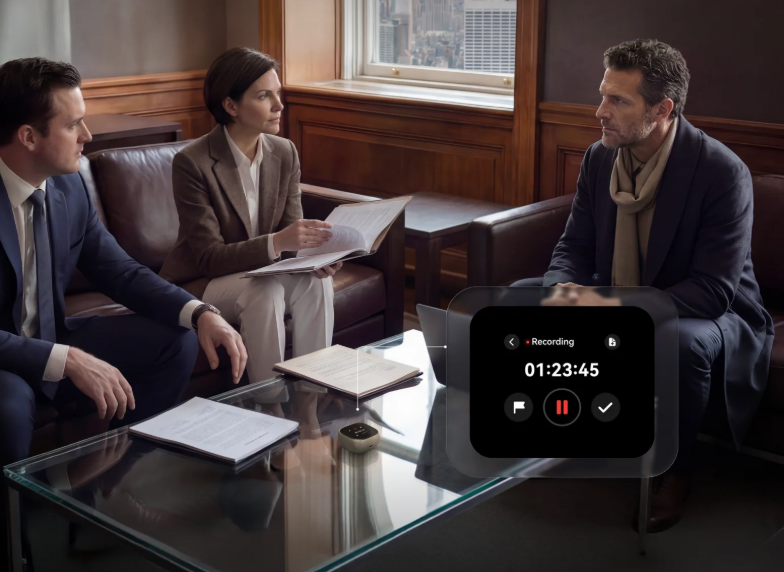
- Smart voice controls and real-time note-taking provide AI-powered productivity tools.
- Enhanced ANC reduces distractions during work, travel, and everyday listening.
- AI processing improves voice communication in noisy environments.
- Extended battery life allows longer use between charges.
The Liberty 5 Pro Max is intended for users who want stronger AI capabilities alongside frequent device switching.

Frequently Asked Questions
How is Bluetooth Multipoint enabled?
Pair the earbuds with one device, then, while connected, place them back in pairing mode and connect a second device through its Bluetooth settings. Once paired, the earbuds switch between devices as needed. Most models reconnect to the last two paired devices when powered on.
Does multipoint use more battery?
Yes. Maintaining two connections can slightly shorten battery life. The effect is usually small while idle but grows with frequent switching, calls, ANC, high-resolution codecs, or weak Bluetooth signals. Hardware and software optimisation also affect endurance.
Can both devices play through the earbuds simultaneously?
Generally, no. Most multipoint earbuds maintain multiple connections but play only one source at a time. A phone call can interrupt laptop playback; when it ends, audio resumes on the previous device.